 Español
April 26, 2026
The Computer Corner
by Charles Miller
The year 2026 marks the 40th anniversary of Microsoft Windows, and for me that means forty years using it. I have to admit that for most of the first half of those years I continued to use the underlying MS-DOS Operating System and my keyboard nearly as much as the Windows Graphical User Interface (GUI) and a mouse. Today I use Windows' GUI almost exclusively.
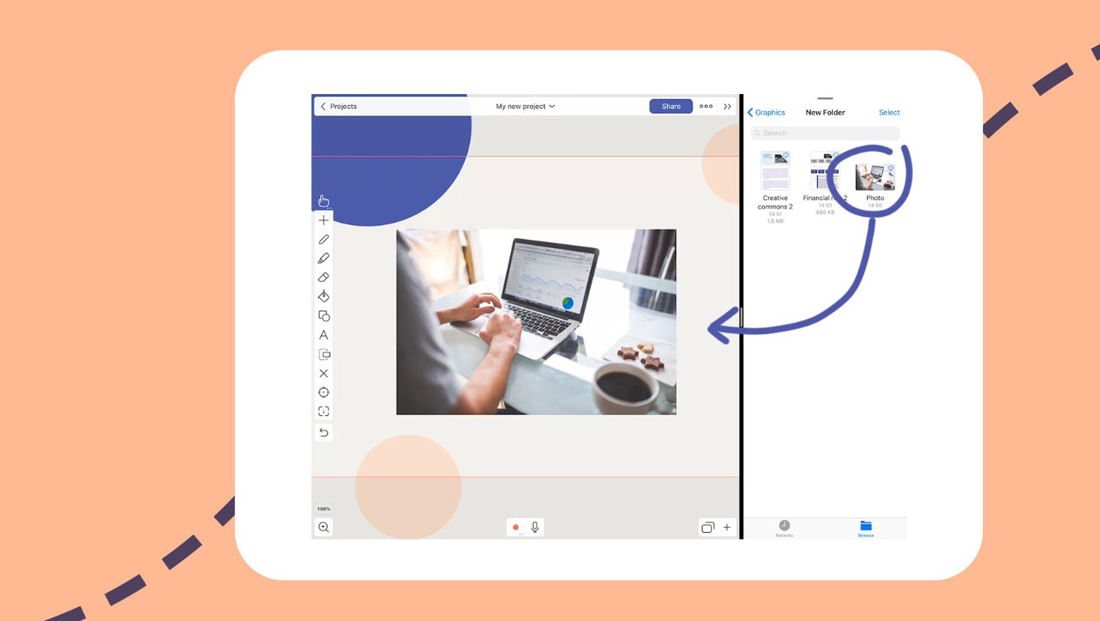
For all these decades I have been using a mouse, there is one feature that has been a thorn in my side. Drag-and-Drop can be an efficient way to move files around on a computer, but there is a catch… well, actually three of them. My antipathy for this feature grows out of the fact that dragging and dropping items in Windows is so blasted inconsistent, or seemingly so.
When you drag a file from one place to another on your screen, sometimes it gets copied, sometimes it gets moved, and sometimes Windows creates a shortcut to the file while leaving the original file right where it was. Here Windows seems to have a mind of its own, a mind that is schizophrenic. There is actually a method to this madness, but explaining that is for another day.
Dragging and dropping is a feature that can be turned off entirely, but that approach is not what I have ever wanted to do. If you care to master all the rules governing how Windows drags and drops things, then you will find this method of organizing files to be quicker and easier than any other. Over the years I have had to force myself to pay close attention any time I used drag-and-drop lest I inadvertently move something without realizing it.
Then I bought a new laptop that seems determined to make my digital life unpleasant. The laptop's touch pad was so sensitive that I was constantly losing files and whole folders full of files, all because it was so easy to drag-and-drop when I had no intention of doing so. It seemed like all I had to do was breathe on the touch pad and it would move files to where I could not find them. Heaven forbid that I sneeze! I tried dialing down the sensitivity of the touch pad. That worked on older laptops but not this new one.
Regular readers of this column will be well aware of how often I am critical of the quality of answers received from AI chatbots, so it is fitting that I give credit where credit is due. When I explained my problem to ChatGPT it suggested how to completely disable drag-and-drop, but the when I asked if there existed any less-drastic alternative it offered one. It turns out that in the Windows Registry there are thousands of configuration settings, two of which are "DragHeight" and "DragWidth."
These two settings can be set to control how many pixels horizontally or vertically the mouse must be moved before drag-and-drop is activated. After about a half-hour of experimentation I found that setting a number of pixels equal to about half the screen dimensions blocked drag-and-drop from working unless I deliberately dragged a file or folder halfway up/down+right/left before dropping it. I realize that last sentence might not be clear to everyone, so image grabbing a file and moving it in a big circle around the screen before dropping it where you want to move it. Moving a file by dragging it in a big circle on the screen before eventually dropping it is something nobody is likely to do by accident.
So, now it is safe for me to use my new laptop while riding a moving train or bus, where I happen to be now as I write this. Today I feel confident that when I get home I will not have to worry about hunting a bunch of files or folders that got accidentally dragged-and-dropped Lord knows where while I was using the laptop on the move.
My bigger point for today is that the "P" in "PC" has always stood for "Personal." If you have some "feature" of your PC that you find not so useful or even annoying, there are sometimes obscure customizations that can be found to make your "Personal" even more to your liking. Over the years I have made use of dozens of these Windows customizations, and have just been reminded there must be hundreds more waiting to be discovered. MacOS also has a number of tweaks that can make your Mac more "personal."
**************

Charles Miller is a freelance computer consultant with decades of IT experience and a Texan with a lifetime love for Mexico. The opinions expressed are his own. He may be contacted at 415-101-8528 or email FAQ8 (at) SMAguru.com.
**************
*****
Please contribute to Lokkal,
SMA's online collective:
 ***
***
Discover Lokkal: Mission
Visit SMA's Social Network
Contact / Contactar