 Español
February 15, 2026
by Charles Miller
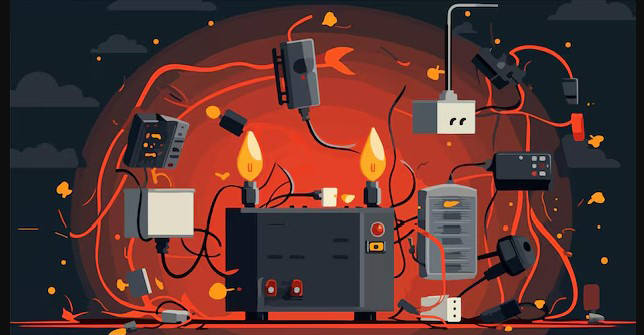
One bit of technical knowledge that I believe has now achieved a universal level of understanding is that if you buy some appliance, such as a table lamp, television, hair dryer, toaster oven, or any other electric-powered gizmo, it is not likely to work until you connect it to a source of electric power. Everyone now takes for granted that all you need to do is plug it in, and the device will work. And it does, so long as you do not get too carried away, plug in too many things, overload the circuit and blow a fuse.
Computer networks, including the internet, all work in a similar fashion... but not exactly the same. A common misconception is that it is okay to have an unlimited number of internet-connected devices. Some people think that just as when you plug in an appliance there will always be enough electricity, that any time you connect a device to the internet, it should be online automatically. Unfortunately, this is not true.
The reason this is not true has to do with those pesky IP addresses, so if you have not read this column for the last two weeks, this might be a good time to go back and read them. Whenever you connect your devices to the internet, you are dealing with a finite number of IP addresses. The theoretical maximum is 253 IP addresses on a single home network, but the inexpensive home routers of the type provided free of charge by Internet Service Providers can be limited to a much lower number such as 32 or even as few as six. This is because the cheaper-class of routers lack the memory and/or processor power to efficiently handle any more than that.
A big difference between connecting to electric power versus connecting to the internet comes into play when you do connect too many devices. To understand the difference it helps to remember that the internet, conceptualized during the Cold War, was seen as needing to be able to survive a nuclear holocaust without crashing completely. So, overloading your home computer network creates a tiny metaphorical mushroom cloud, but usually does not crash your entire internet connection.
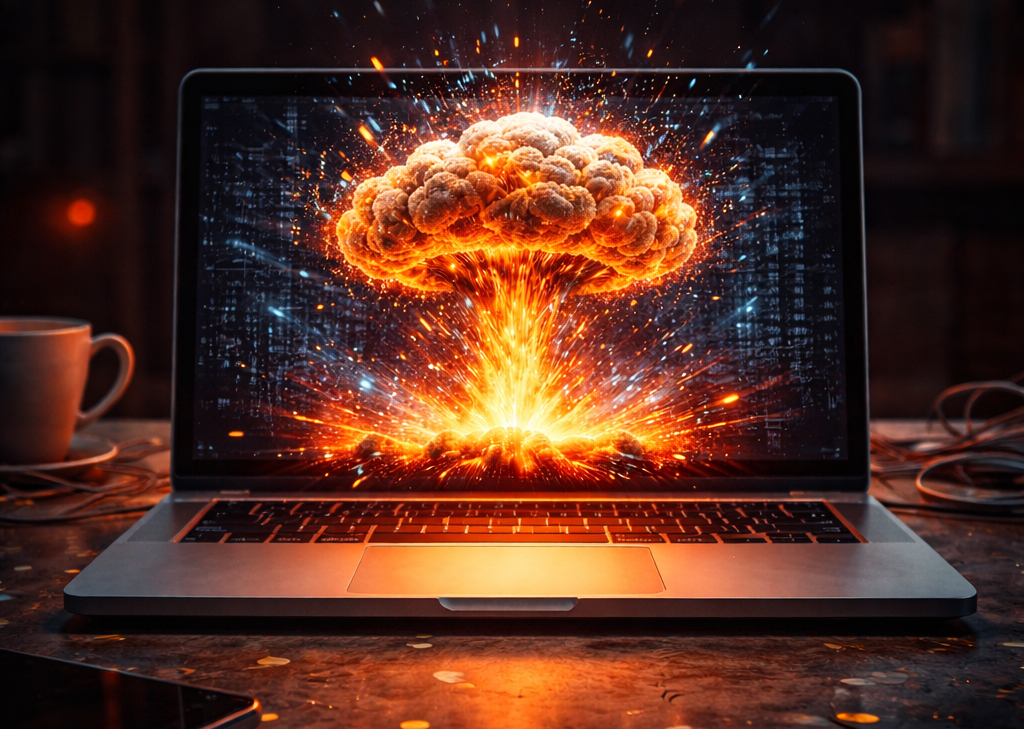
When you connect too many devices to your home internet and thus run out of available IP addresses, parts of your network work while others do not. The devices already connected tend to stay connected for the moment, while any additional devices do not get an IP address and thus will not be able to connect.
Logically, you might think that if you connect too many devices you need only to disconnect some of them to free up IP addresses. That is logical, but also dead wrong. Unlike a table lamp or hair dryer that immediately disappears from the electric grid the instant you unplug it, internet-connected devices retain a persistent connection for hours or days, so that they can easily reconnect. This is one of the reasons your smart phone can be taken out of your house, then it immediately reconnects to your Wi-Fi when you return home. Its IP address was saved awaiting its return. The tech term for this is retaining a "Dynamic Host Configuration Protocol (DHCP) lease."
If you installed one of those systems of light bulbs controlled from your smart phone you might run into this problem. The first 10 bulbs you plug in work fine, but number 11 and 12 do not. That is a clue that the DHCP server in your router might have run out of IP addresses. It will not help to unplug bulbs 2 and 4 to free up their IP addresses because bulbs 2 and 4 will retain their IP addresses for a period of time. This manifests as your smart phone being able to control some of the light bulbs, but not others. Tomorrow your phone might be able to control the new bulbs, but not some bulbs that you could control today. Light bulbs are one level of bother. Worse is installing a new thermostat, then finding next week that your printer inexplicably stops working.
DHCP servers issue "leases" for IP addresses that can last minutes, hours, or days. Coffee shops providing public Wi-Fi might set the lease time very short so that customers who have left the café are not tying up IP addresses needed by newly arriving customers. You might have experienced not being able to use public Wi-Fi while the person sitting at the next table has no problem getting online. This is because the public Wi-Fi has run out of IP addresses. For stability, your internet provider might set the IP address for your home router not to expire for several weeks, or even be set to "infinite." After all, your house is not going anywhere.
**************

Charles Miller is a freelance computer consultant with decades of IT experience and a Texan with a lifetime love for Mexico. The opinions expressed are his own. He may be contacted at 415-101-8528 or email FAQ8 (at) SMAguru.com.
**************
*****
Please contribute to Lokkal,
SMA's online collective:
 ***
***
Discover Lokkal: Mission
Visit SMA's Social Network
Contact / Contactar