 Español
March 8, 2026
by Charles Miller
Last week in this column I explained how the supply of available IP (Internet Protocol) addresses was being exhausted. That is true because IPv4 (Internet Protocol version 4) designed in the 1970s allowed for 4.3 billion IP addresses that have now all been used up. But fortunately, inside the privacy of your own home, there exists an almost inexhaustible supply of IP addresses available for you to use.
Not one but two readers tried to let me know that all this worrying over running out of IP addresses is overblown. One told me "I use the same IP address for everything in my house, so I only need one." Well, yes and no. Yes you usually need only one "public" IP address, but every device in your house has to have its own different IP address not duplicated or shared by any other device inside your house. Fortunately, if you are using dozens of IP addresses inside your house, your neighbor can use the same numbers on their home network. Duplicate IP addresses on separate networks do not interfere with each other.
The way this is accomplished is by having IP addresses that are classified as either public or private. The IP address of your house is public, meaning that anyone on the internet can see it, and nobody else on earth has that same number so long as you use it. Private IP addresses, also referred to as non‑routable addresses, cannot be routed on the internet. Private IP addresses are created by your modem/router and only exist inside your house. The private address is used by your computer, phone, tablet, and other Internet of Things gizmos to communicate with your modem, and then your modem connects to the internet. Your modem/router facilitates your private IP address to connect to the internet by sharing your one public IP address with all the private IP address you could have in your house.
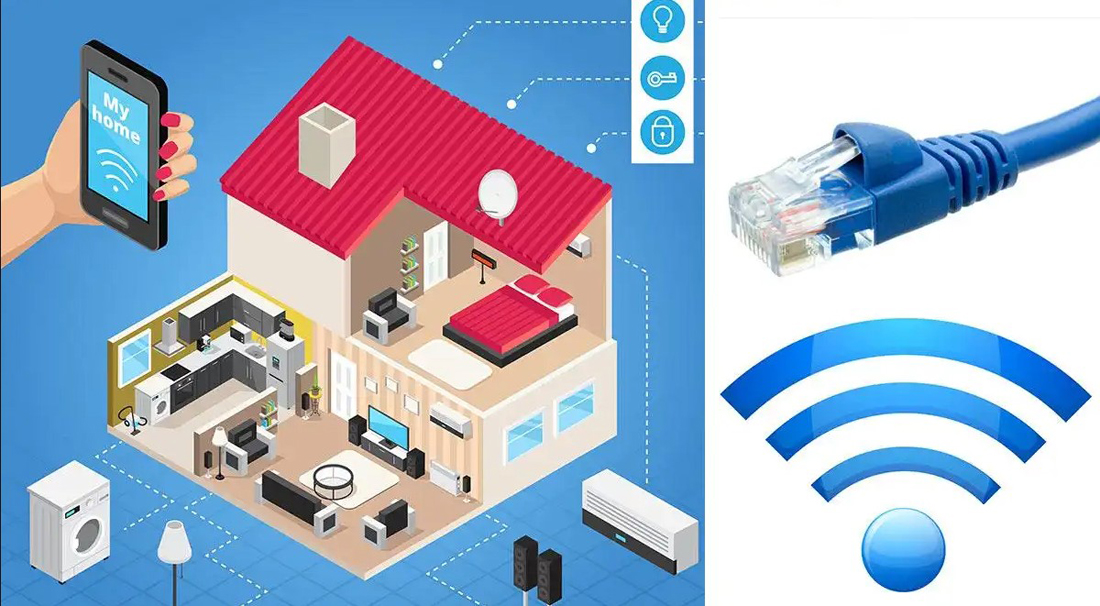
In an earlier column I explained how inexpensive modem/routers might let you connect a dozen devices to the internet, while better quality routers with more processor power and memory could accommodate more than 200 devices at once. Recently, when I warned a client who already had dozens of internet-connected devices on his network that he needed to be aware of that, and not connect too many, he barked, "I don't want no limits!"
Well, even the old IP version 4 protocols from the 1970s can accommodate that. A "Class C" network, which includes almost everyone's home network, has a theoretical limit of 253 devices, assuming adequate hardware. A "Class B" network, as found in hotels, offices, etc., is limited to 65,536 connections. The next step up in private networks is "Class A" that is limited to 16,777,216 private IP addresses, and that is as close as you can get to "unlimited."
If you care to look at the IP address of your computer or portable device, it can tell you what kind of network to which you are connected. If the IP address begins with "192.168." that is Class C. "172.16." is Class B and all IP addresses beginning with "10." are Class A. If you see one of these numbers that means you are connected to a private network, and that most likely means you are protected by a modem/router with a firewall that blocks most hacking attempts that might otherwise try to gain access your device.
So, yes, every internet-connected device in your house is required to have its own IP address. If that address begins with 192.168. or 172.16. or 10. then it is private, and your device is sharing the one public IP address in your modem/router. Being a part of a private network basically means you can look out onto the worldwide internet any time you want, but all the hackers on the internet do not get to easily look back in at you because on a private network you are mostly invisible.
**************

Charles Miller is a freelance computer consultant with decades of IT experience and a Texan with a lifetime love for Mexico. The opinions expressed are his own. He may be contacted at 415-101-8528 or email FAQ8 (at) SMAguru.com.
**************
*****
Please contribute to Lokkal,
SMA's online collective:
 ***
***
Discover Lokkal: Mission
Visit SMA's Social Network
Contact / Contactar