 Español
November 15, 2026
by Charles Miller
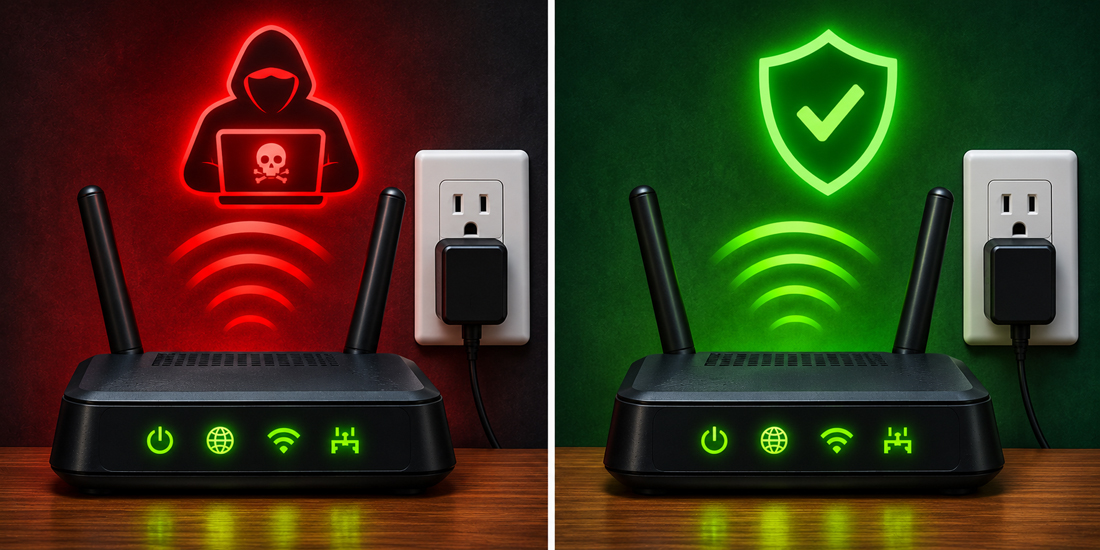
Last week this column pointed out that the tiny little computer you have in your house, the one you call a modem or router, is now a target that cybercrooks want to infect with malware. A consequence of Apple, Microsoft, and Google hardening the security of computers and mobile devices is that cybercrooks are now looking for ways to infect your router instead. Your router is basically a little computer with a processor, memory, and software (properly called firmware). The firmware in your router can be infected with malware just as surely as the software in your Apple or Microsoft computer can be. The danger of this is now significant enough that you need to take precautions.
Why bother to take precautions? Because, for just one example, a malware infection named "VPNfilter" has the ability to eavesdrop on all the data passing through your router; and that means that all of your user logins and passwords could be stolen. VPNfilter was not the first such router malware and it will most certainly not be the last. Luckily there are some things you can do for yourself that can harden your router against attack. The steps described here do not require a degree in computer engineering, just the ability to read and follow some simple instructions along with your willingness to take the time to do so.
The first step is to change the default administrator password for your router. The administrator password the one needed to configure the settings of the router, not to be confused with the password needed to connect your wireless devices to Wi-Fi. Most people leave the administrator password set to factory default and this is an open door invitation to hackers.
Disable the "remote access" feature of your router. Many routers include the ability for you to permit technicians to remotely access to the router's web-based administration pages in order to service it. If you are not using that feature then turn it off.
Turn off Universal Plug and Play (UPnP). This is a router feature very few people actually use, and the U.S. Federal Bureau of Investigation recommends turning UPnP off.
Verify the DNS settings. A telltale sign that a router has been infected is that its DNS server configuration has been changed.
Visit the web page of your router's manufacturer to see if there is updated firmware available for your model of router. If there is, download it and follow the instructions to install it.
The easiest suggestion of all to follow comes from the U.S. FBI. Simply reboot your router frequently. A number of malware are able to infect router memory but not firmware, meaning that since the infection is in memory it can be killed by simply rebooting. Your router could still be reinfected, but that is probably not going to happen immediately. Unplugging the power cord from your router then plugging it back in therefore provides you a small level of protection. You could automate this process by using a lamp timer, but rebooting once a month is probably enough.
**************

Charles Miller is a freelance computer consultant with decades of IT experience and a Texan with a lifetime love for Mexico. The opinions expressed are his own. He may be contacted at 415-101-8528 or email FAQ8 (at) SMAguru.com.
**************
*****
Please contribute to Lokkal,
SMA's online collective:
 ***
Discover Lokkal: Mission

Visit SMA's Social Network
Contact / Contactar