 Español
November 22, 2026
by Charles Miller
Information Technology people have a name for it. It is called "the tyranny of the default." When it comes to things they do not understand, most people have a tendency to assume that someone smarter than them chose what is best for them, and so they do not investigate their options. That is how they end up using the factory default settings for some of their devices when it would be better if they did change a few of those things.
The place where IT people like me tend to see this most is with Small Office Home Office (SOHO) routers. Everyone who goes to the store to buy one of these seems to be under the erroneous impression that the only necessary action is to plug one in and start using it. Because it works, or seems to work, they think that is all there is to it.
The tyranny of the default does present a conundrum here. It probably is better most of the time not to fool around with things you do not understand. But at the same time though it is true that the people who decided what the default settings should be are not always smarter than you are, and they certainly do not know your particular situation.
A good example of the latter is what Microsoft did with Windows. Starting in 2001 Windows XP included an excellent firewall to protect users, but somebody decided the default setting should be to leave this great feature turned off. At the time Microsoft had its reasons for doing this to improve backwards compatibility, but the result was that the default setting was not the best one for most users and certainly did nothing to improve security for anyone. Very few users of Windows understood that they needed to change these default settings, and it was not until Microsoft finally did a volte-face and change the fault in 2004 that everyone started to realize the security benefits of having a firewall turned on.
Perhaps a better example of the tyranny of the default is the web browser you are now using. If you are using a Windows computer then you may be using Microsoft's Edge browser. If your computer is a Mac then you might use Apple's Safari browser. iPhone users overwhelmingly use Safari while Android phone users all seem to use Google's Chrome. Why? This is the tyranny of the default at work. Those web browsers are the default program for those devices, and a lot of users never change from using the default even though there are many good alternatives available. One of those alternatives could be considerably better for your situation than the defaults.
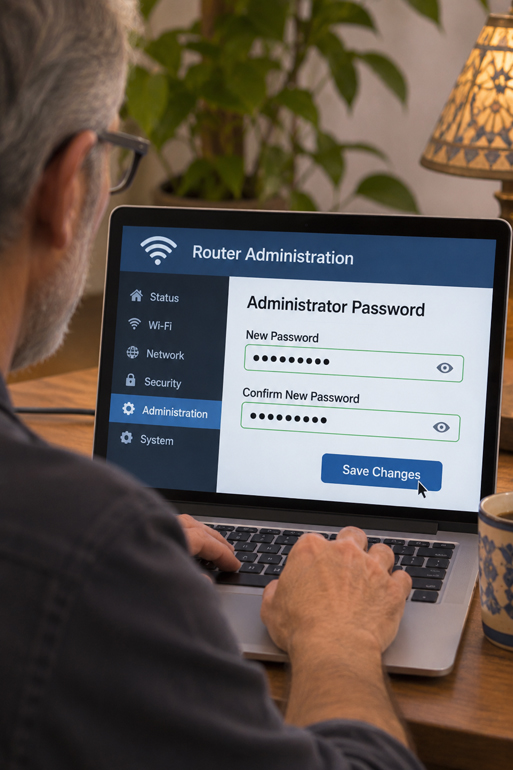
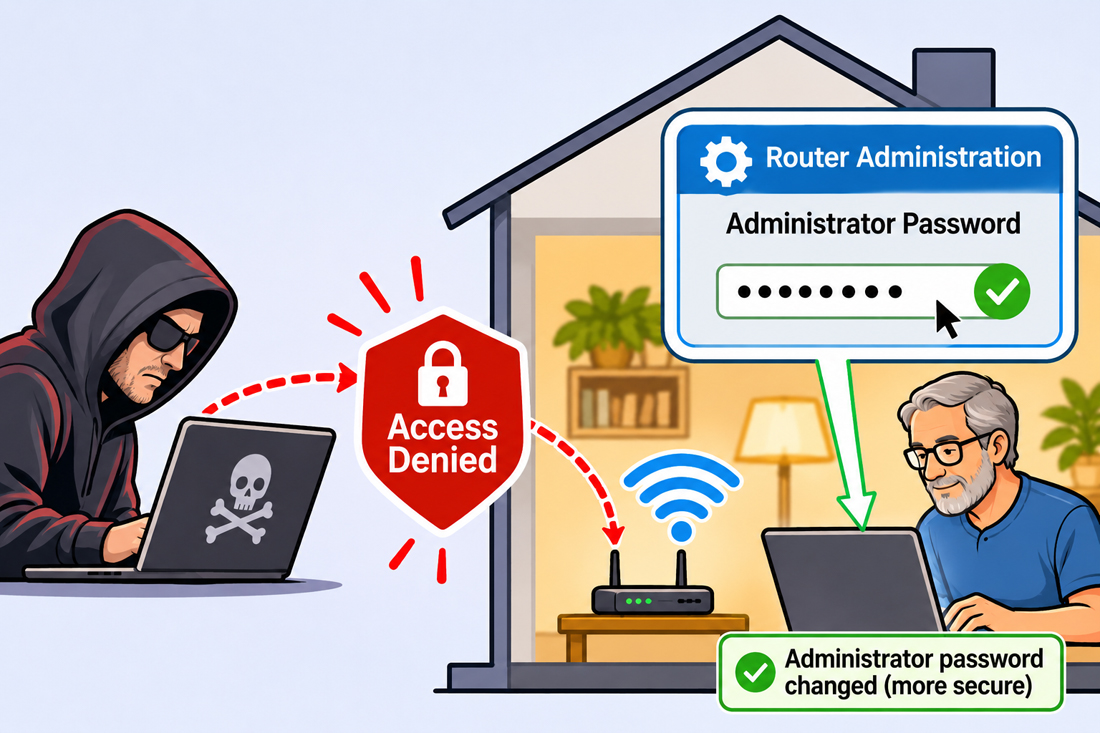
Getting back to SOHO routers though, there are some settings that everyone should change in their router to improve their security by avoiding the tyranny of the default. Turn off Remote Management. Turn off Universal Plug and Play (UPnP) unless you are one of the very small numbers of people who actually use it. Then change the default administrator password for your router. Taking the time to do these three things will significantly harden your router against being infected by router-based malware and protect your security online.
None of what I have just suggested here will make your router immune from a determined attacker, however; what it does do is make it a little harder for automated attacks that rely on using default passwords to gain access. Simply making it just a little bit harder for the hackers usually means they will go elsewhere looking for easier-to-hack targets.
**************

Charles Miller is a freelance computer consultant with decades of IT experience and a Texan with a lifetime love for Mexico. The opinions expressed are his own. He may be contacted at 415-101-8528 or email FAQ8 (at) SMAguru.com.
**************
*****
Please contribute to Lokkal,
SMA's online collective:
 ***
Discover Lokkal: Mission

Visit SMA's Social Network
Contact / Contactar